
Wedding Seating Chart Template
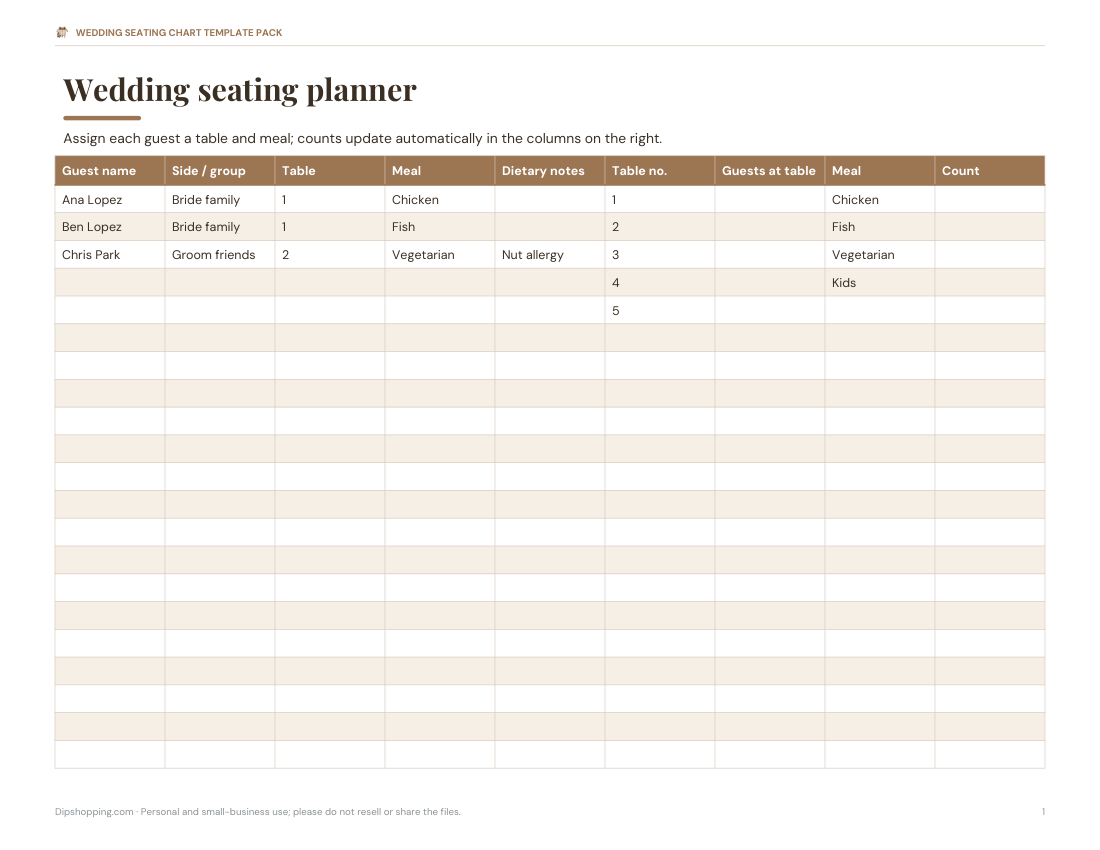
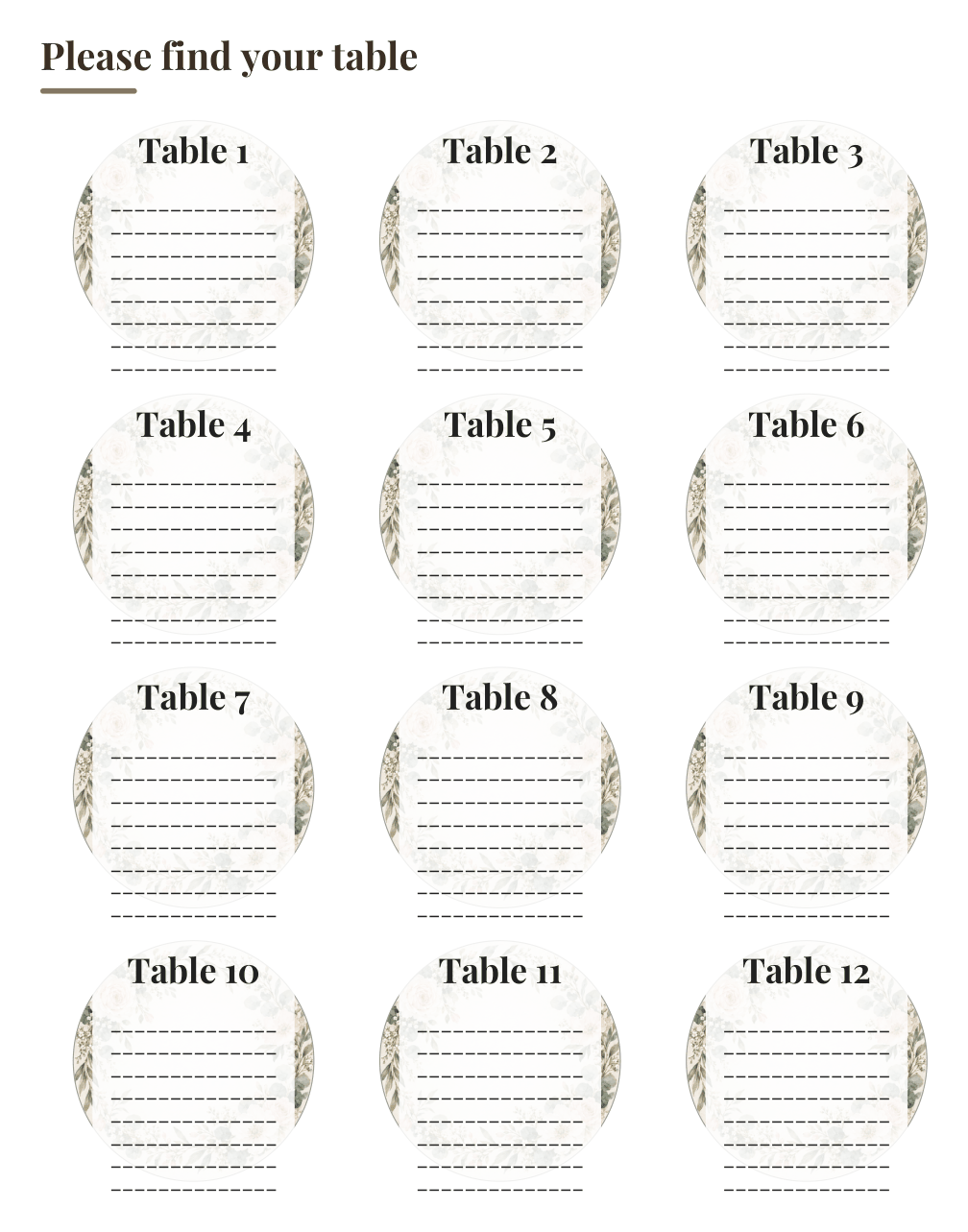
Seat your guests without the spreadsheet headache. Build the plan in the Excel seating planner — it counts guests per table and meal choices as you go — then print the seating chart for the entrance, table numbers for each table, and escort or place cards for guests. Everything is editable and prints on standard paper or card.
- Instant download
- Editable Excel & Word
- Print-ready PDF
- 7-day refund
6 files · XLSX, PDF, DOCX
Wedding Seating Chart Template Pack
Excel seating planner with table and meal counts, a printable round-table seating chart, an alphabetical seating list, table number cards 1–20, and editable escort and place cards.
- Seating planner (XLSX)
- Seating chart (PDF)
- Alphabetical list (DOCX/PDF)
- + 3 more
$6.00 USD, one-time 6 files · about $1.00 each
- Instant download
- 7-day refund
- Secure checkout by Stripe
7-day money-back guarantee. Full refund within 7 days of purchase, even after you download.
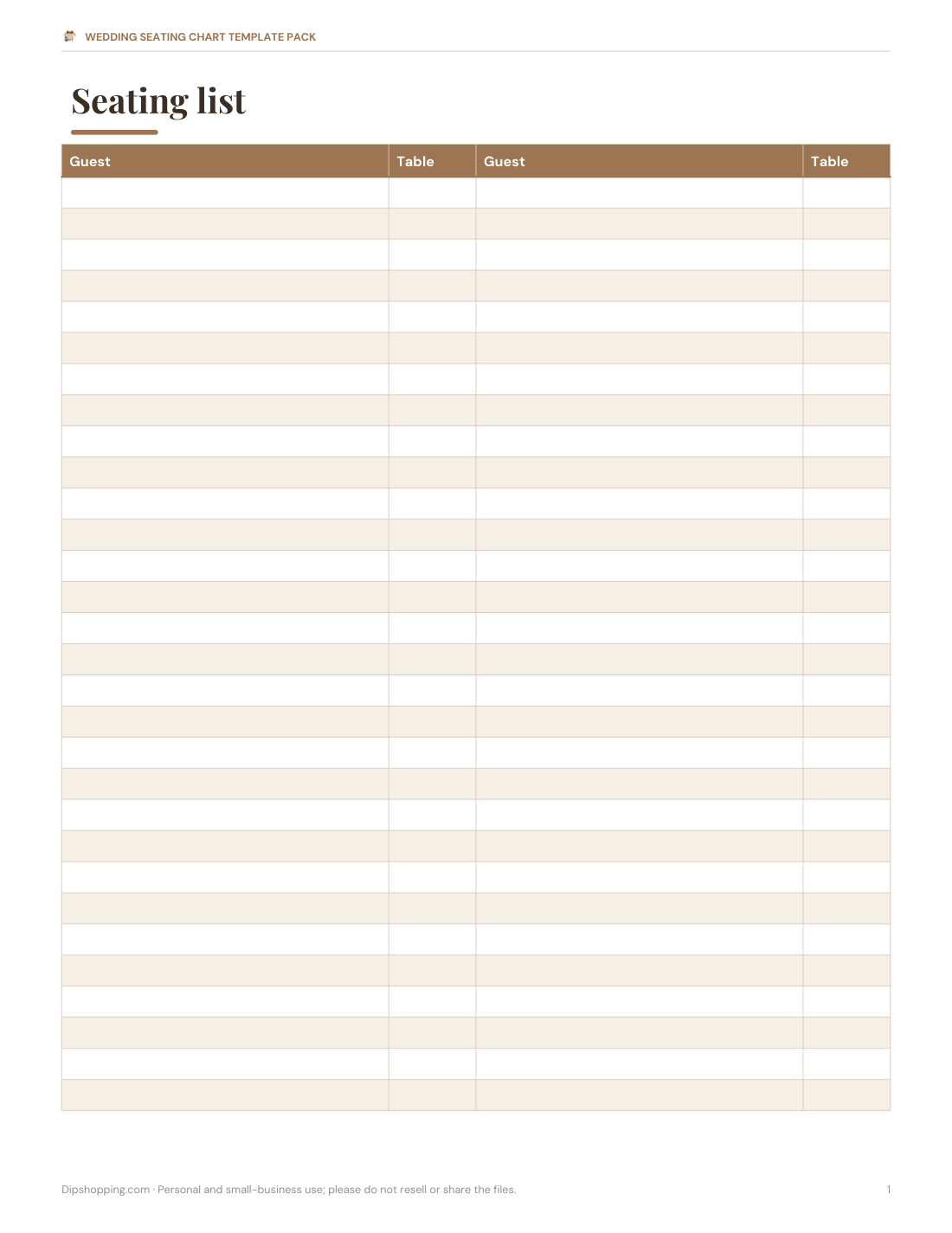
Free sample: Alphabetical Seating List (PDF, 59 KB)
Wedding Seating Chart Template Pack
Excel seating planner with table and meal counts, a printable round-table seating chart, an alphabetical seating list, table number cards 1–20, and editable escort and place cards.
- Seating planner (XLSX)
- Seating chart (PDF)
- Alphabetical list (DOCX/PDF)
- Table numbers 1–20 (PDF)
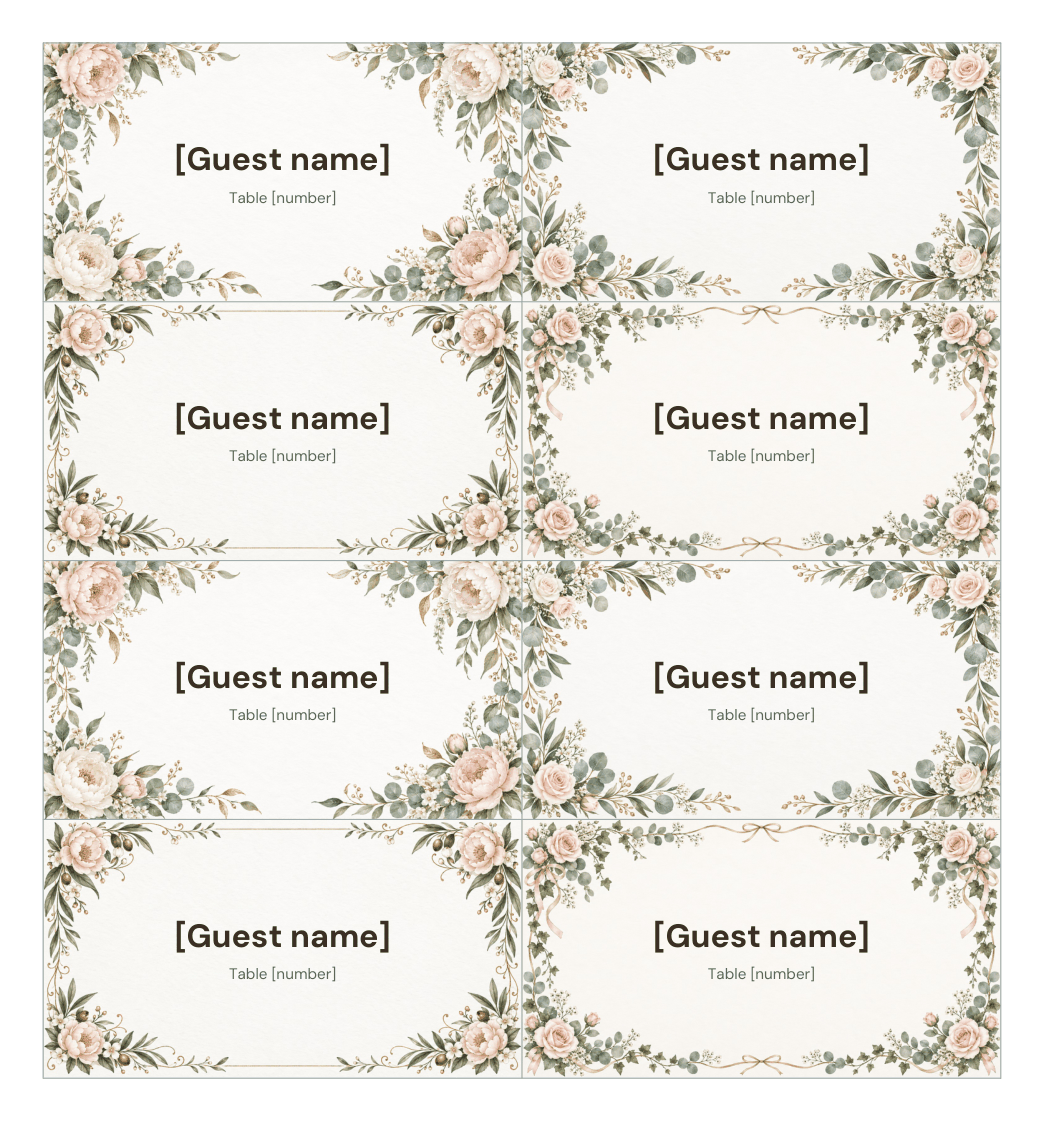
- Escort cards (DOCX/PDF)
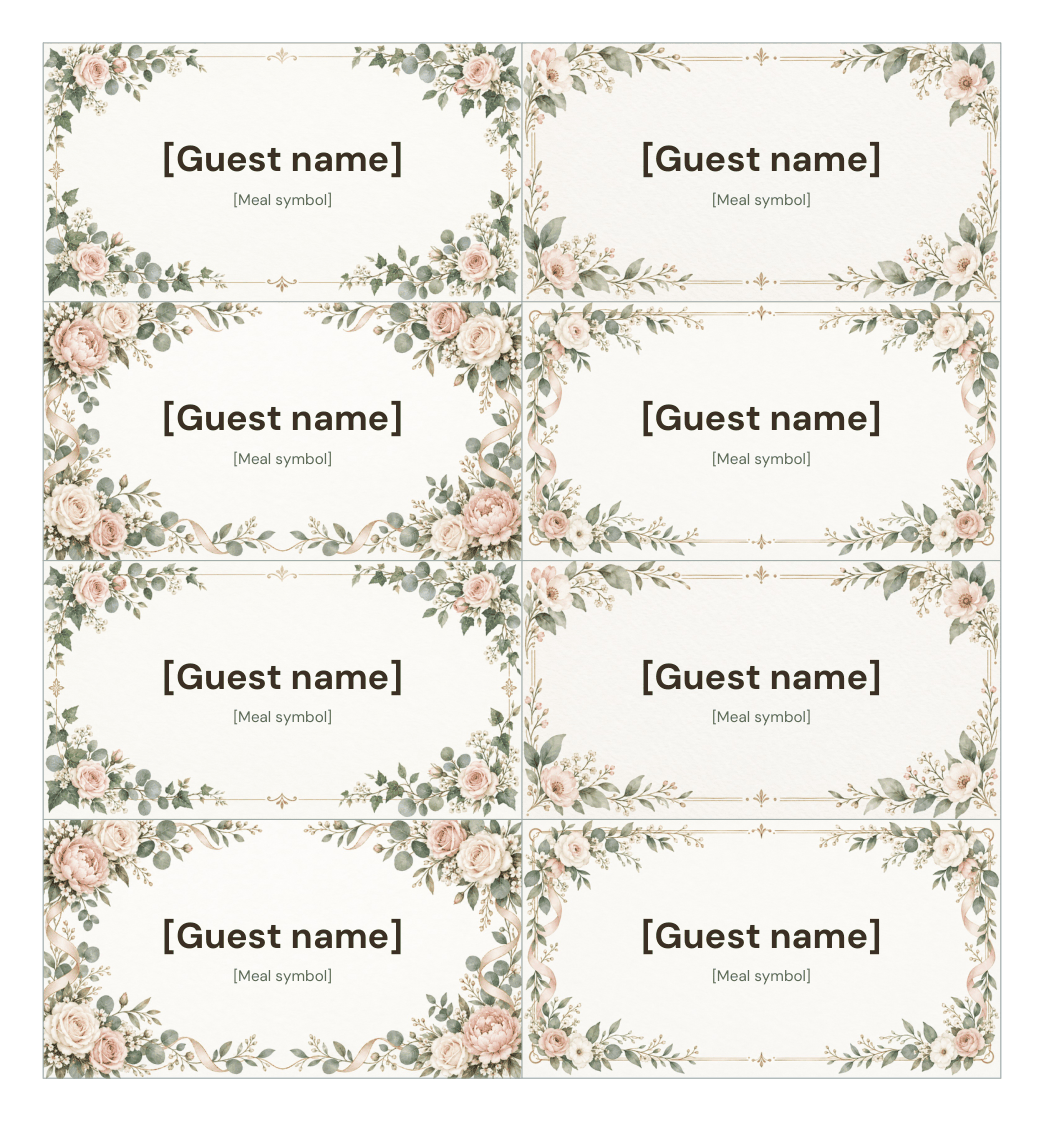
- Place cards (DOCX/PDF)
Formats: XLSX, PDF, DOCX. Instant download after payment (link valid 72 hours, up to 5 downloads). AI-assisted: the templates were drafted with AI help and reviewed and laid out before publishing.
$6.00 USD, one-time 6 files · about $1.00 each
- Instant download
- 7-day refund
- Secure checkout by Stripe
7-day money-back guarantee. Full refund within 7 days of purchase, even after you download.
Free sample: Alphabetical Seating List (PDF, 59 KB)
Full refund within 7 days — see the refund policy and license.
New · 3 files · PDF
Christmas Dinner Table Printables
Illustrated Christmas dinner printables: tent place cards in two designs, a menu card to fill in and table numbers 1-12 in a watercolor wreath.




- 2 place card designs, 4 per page (PDF)
- Christmas dinner menu card, 5x7, two per page (PDF)
- Table numbers 1-12 (PDF)
$6.00 USD, one-time 3 files · about $2.00 each
- Instant download
- 7-day refund
- Secure checkout by Stripe
7-day money-back guarantee. Full refund within 7 days of purchase, even after you download.
Artwork created with AI image tools, then selected and laid out for print.
Free printables
Single sheets you can print right now, no sign-up. The full pack adds every sheet in one download plus the editable files.
 Printable Wedding Seating Chart
 Printable Wedding Seating Chart List
 Printable Table Numbers 1-20
 Printable Escort Cards
 Printable Wedding Place Cards
 Warm white LED string lights
 Place card holders
 Christmas table runner
 Flameless candles with timer
 Christmas window clings
 Halloween table decor
Planning the seating, step by step
- Get the final guest list and RSVPs, including children and plus-ones.
- Confirm the table shapes and sizes with your venue: rounds of 8–10 or long banquet tables.
- Place the couple first — a sweetheart table or head table — then immediate family nearby.
- Group guests by how they know you: family sides, school friends, work colleagues.
- Seat guests with mobility needs close to exits and restrooms, and older relatives away from loud speakers.
- Seat children with their parents unless there is a supervised kids’ table.
- Check that each table has a mix that will get along, and that no one is left isolated.
- Finalise about a week before the wedding and send the list to the venue.
Table sizes and guest counts
| Table | Seats comfortably |
|---|---|
| 60 in (5 ft) round | 8 (up to 10 tightly) |
| 72 in (6 ft) round | 10 (up to 12 tightly) |
| 6 ft rectangular | 6–8 |
| 8 ft rectangular | 8–10 |
| Sweetheart table | 2 |
Allow about 24–30 inches of table edge per guest. Confirm with your venue or rental company, since chair size and place settings change the numbers.
Seating chart, escort cards or place cards?
| Option | What it does | Best for |
|---|---|---|
| Seating chart (display) | A board at the entrance listing guests by table or alphabetically | Any size wedding; easy to update |
| Escort cards | One card per guest (or couple) with their table number | Guests find their table; they choose a seat |
| Place cards | Name cards at each seat | Formal dinners; plated meals with pre-chosen dishes |
| Table numbers | Card on each table | Needed with any of the above |
For plated dinners with meal choices, add a small symbol or colour to place cards so servers know who ordered what.
What is in the pack
- Excel seating planner — guest list with table assignment, meal choice and dietary notes; automatic counts per table and per meal.
- Printable seating chart — round-table layout with space for eight to ten names per table.
- Alphabetical seating list — for large weddings, guests find their name quickly.
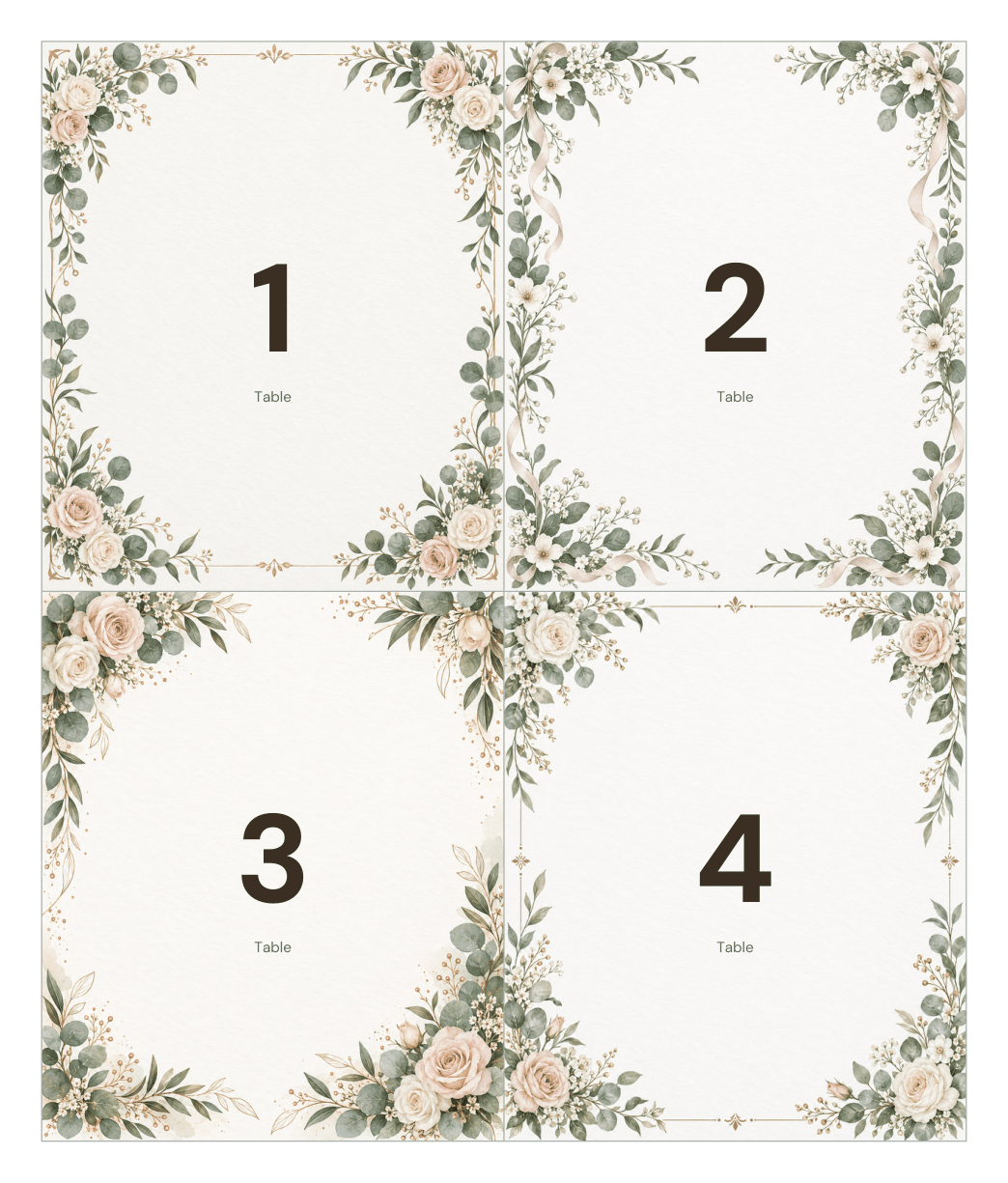
- Table number cards — 1 to 20, folded tent style.
- Escort cards and place cards — editable in Word, eight per sheet.
Tips for tricky situations
- Divorced parents — give each their own table with their own family and friends, both near the front.
- Plus-ones you don’t know — seat them with their partner and a friendly group.
- Singles — mix them into tables of friends rather than a “singles table”.
- Late RSVPs — leave one or two flexible seats.
- Guests who don’t get along — seat them on opposite sides of the room.
Worked example
A couple with 96 guests and twelve 60-inch round tables enter everyone into the seating planner. The table counts show Table 4 has 10 guests and Table 9 only 6, so they move two cousins. The meal summary shows 58 chicken, 30 fish and 8 vegetarian meals, which they send to the caterer. They print an alphabetical list for the entrance board and table number cards for each table.
Displaying the chart
Print the chart as large as your printer allows, or send the PDF to a print shop for a poster (18 × 24 in or A2). Mount it on foam board or in a large frame on an easel near the entrance to the reception. For more than about 120 guests, an alphabetical list is faster to read than a table-by-table layout.
Formats
Excel seating planner, printable PDF seating chart and cards (US Letter; A4 with “Fit to page”), and editable Word escort and place cards.
Frequently asked questions
How many guests fit at a round wedding table?
Usually 8 at a 60-inch round and 10 at a 72-inch round.
When should I make the seating chart?
Start after RSVPs close and finalise about a week before the wedding.
What is the difference between escort cards and place cards?
Escort cards show which table a guest sits at; place cards mark their exact seat.
Does the Excel planner count meals?
Yes, it counts guests per table and per meal choice.
Was AI used to create the templates?
Templates were generated by script and wording drafted with AI assistance, then reviewed before publishing.